
Optimizely attack served malware on 178 brands' websites: what UAE businesses should check now
On November 16, 2026, attackers used Optimizely's web experimentation platform to serve card-skimming and crypto-stealing JavaScript to visitors of 178 organizations. None of their own systems were breached. Here is what happened and how UAE businesses can control the third-party scripts on their websites.
 D Consultants team


Key points
- 01Malicious JavaScript reached visitors of 178 organizations through Optimizely Web on November 16, 2026.
- 02Optimizely says an attacker exploited a flaw in its Experimentation account signup flow, and it has deployed a fix.
- 03The code swapped crypto addresses, skimmed card numbers typed into site forms and targeted older iPhones.
- 04A strict Content Security Policy blocked the payload on 24 of the sites Report URI evaluated.
- 05UAE businesses should list every third-party script, deploy a CSP and move card entry to hosted payment fields.
On 16 November 2026, attackers used Optimizely's web experimentation platform to serve malicious JavaScript to visitors of 178 organizations, according to research published by Report URI. Optimizely told BleepingComputer that an unauthorized party exploited a vulnerability in its Experimentation account signup flow, and that it has blocked the vulnerable path and deployed a fix.
What changed
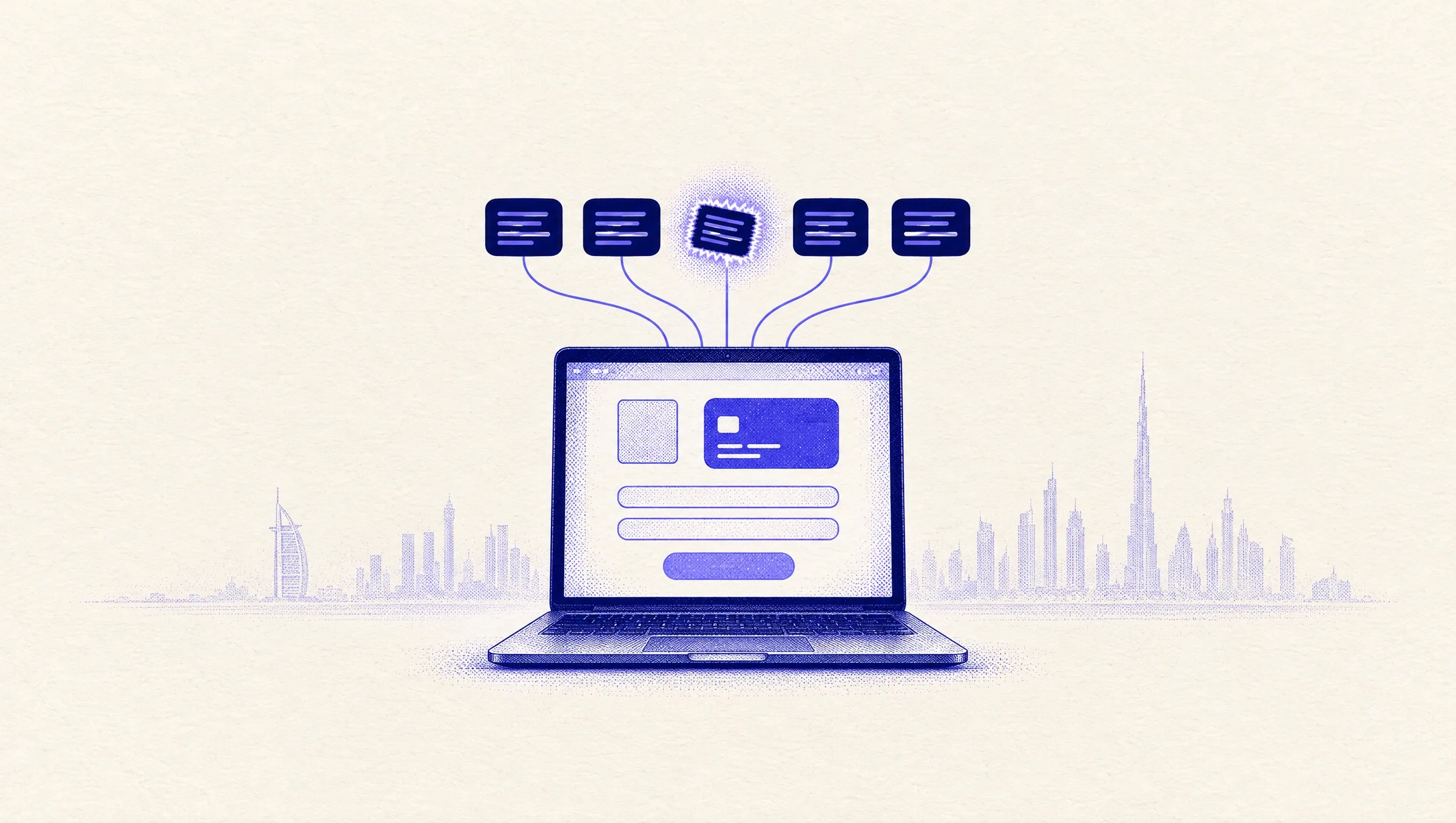
Optimizely Web works through a JavaScript snippet that each customer loads from Optimizely's CDN. The snippet can carry custom Project JavaScript that runs on every page. Report URI says the attacker wrote code into that field in customer projects. The file was still served from cdn.optimizely.com, a host every affected site already trusted.
The payload did four things, per Report URI. It swapped cryptocurrency wallet addresses for the attacker's. It skimmed card numbers typed into a site's own form fields. It sent cookies and page screenshots to the attacker. It tried iOS exploit kits on older iPhones and iPads.
Report URI checked 1,611 Optimizely snippets and found the code in 188, belonging to 178 organizations. Report URI expects the real number of affected sites to be higher, and its published list includes a UAE banking domain. Report URI sells script-monitoring tools, so read its findings with that in mind. Optimizely has confirmed the incident and says affected customers have been notified, Gizmodo reported.
Why it matters for UAE businesses
None of these companies had their own code or servers breached. The attack came through a script they chose to trust.
Most UAE websites and online stores load similar third-party scripts: A/B testing, analytics, chat widgets, heatmaps, ad pixels and review badges. Each one can run code on your checkout page. Marketing teams often add them through a tag manager, outside the normal engineering review.
Content Security Policy (CSP) was the control that made the difference. Report URI evaluated the CSP of affected organizations. 68 had no CSP at all. Only 24 blocked the payload, because their script-src rule listed exactly which hosts may load scripts. Allowing cdn.optimizely.com did not help, because the bad code arrived from that host.
Card fields hosted by a payment provider, such as Stripe or Adyen, were out of the payload's reach. Card numbers typed into a site's own forms were not. We treat script control as part of every Website and e-commerce development project, not an afterthought.
What to do now
Your next steps
List every third-party script
Open your site and your tag manager, and record each script, who added it and why. Remove what nobody uses.
Check Optimizely if you use it
Review Project JavaScript and custom experiment code for 1688360.cc, atob( or code you did not write. Review users and API tokens, and rotate credentials.
Deploy a Content Security Policy in report-only mode
Restrict script-src and connect-src to the hosts you need, avoid 'unsafe-eval' where you can, then switch to enforcement.
Move card entry off your own forms
Use your payment provider's hosted fields or hosted payment page, so card numbers never pass through your page's code.
Put script changes under review
Require approval for any new tag or custom code, and monitor the scripts your pages load for changes. This is routine work in our Support, maintenance and migrations retainers.
Questions
Was my website affected?
Only if it loaded an Optimizely Web snippet from a modified project, or a script from the earlier wave Report URI describes. If you use Optimizely Web, check your Project JavaScript now.
Does a Content Security Policy stop every supply-chain attack?
No. It limits where scripts can load from and where data can go. In this attack it blocked the payload on sites with a strict script-src, but sites that allowed 'unsafe-eval' still ran an inline copy of the code.
What should our customers do if they visited an affected site?
Report URI advises updating iPhones and iPads to iOS 18.7.3 or later, or iOS 26.3 or later. It also advises watching card statements.
Written by
D Consultants team
Software and AI team, Dubai
The people who build and run dconsults.com, our own products atnos, Vline and blaaa, and websites and AI agents for businesses across the UAE.
ProfileMore articles to explore
All articles Microsoft To Do retires on June 30, 2027: what UAE businesses should move nowMicrosoft will retire the To Do apps on June 30, 2027, and existing tasks will not migrate to Planner. Here is what changes, what does not carry over, and how UAE businesses can move their follow-up work before the December 2026 rollout.
 AI agents / Dubai approves the City AI Agent initiative: what UAE businesses should prepare nowOn November 18, 2026, Dubai approved the City AI Agent initiative and launched 93 AI agents that handle HR, finance and procurement across 85 government entities. Here is what changed, what is not yet known and how UAE businesses can get one process agent-ready.
 AI agents / Dubai approves a City AI Agent: what UAE businesses should prepare nowDubai approved the City AI Agent initiative on November 18, 2026, and launched 93 AI agents for government HR, finance and procurement. Here is what changed, what is not live yet and how UAE businesses can apply the same pattern to one process.
Tell us what you are building.
Free 30-minute call. We map your workflow, find the highest-impact opportunity and send a clear proposal.
+971 50 807 0826